Carousel Studio
TikTok photo post titles, captions and hashtags for sellers
Write a searchable product title, use the caption to add buying context, and choose relevant hashtags.
Use the title to name the product and the reason someone might look for it. Use the caption to add context the images could not fit. Hashtags give you a short place to describe category and use case in the language shoppers already use.
Write the title like a useful search result
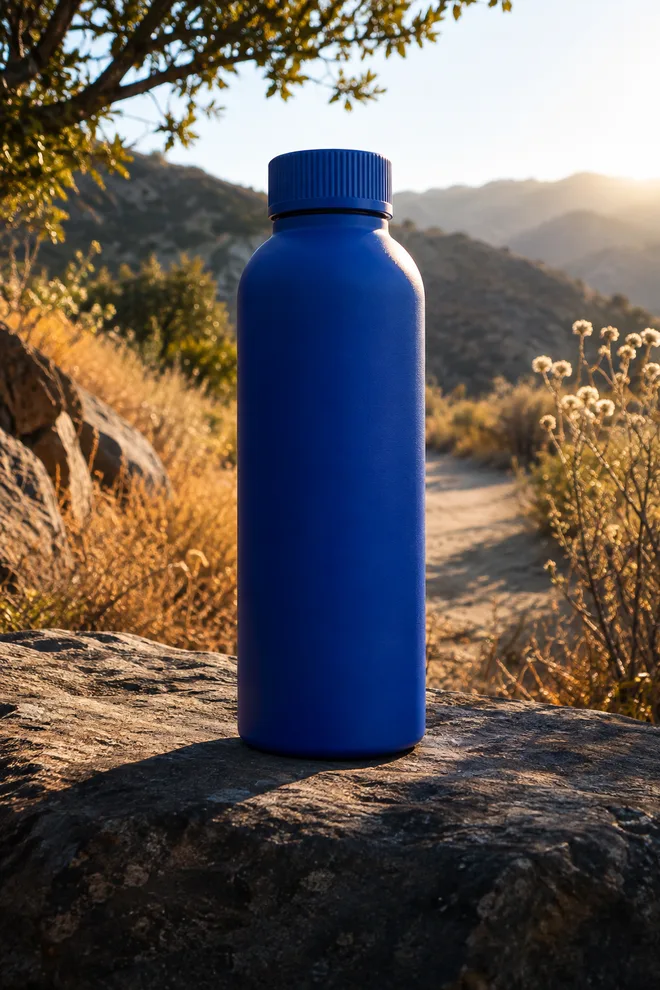
A practical shape is product name plus a specific use case. “Insulated water bottle for early trail days” tells shoppers more than “My new favorite find.” Use the same words you would use to describe the item to a customer in a store.
Add details the photos can show
In the caption, call out the lid, carry style or another verified detail shown in the carousel. If the photos include props, make it clear what is included. Keep price and offer claims aligned with the live product listing.
Example for the trail bottle
Title Insulated water bottle for early trail days
Caption Swipe to see the bottle, the screw cap, and how it looks next to a day pack.
Hashtags #InsulatedBottle #HikingGear #TrailEssentials
Choose tags by relevance
Start with the product category and one or two use cases. Before adding a trend tag, look at the posts associated with it and check whether shoppers would expect this product there. Use TikTok’s tools to check current topics and your Seller Center analytics to compare posts. TikTok Creative Center trends · Shop carousel analytics